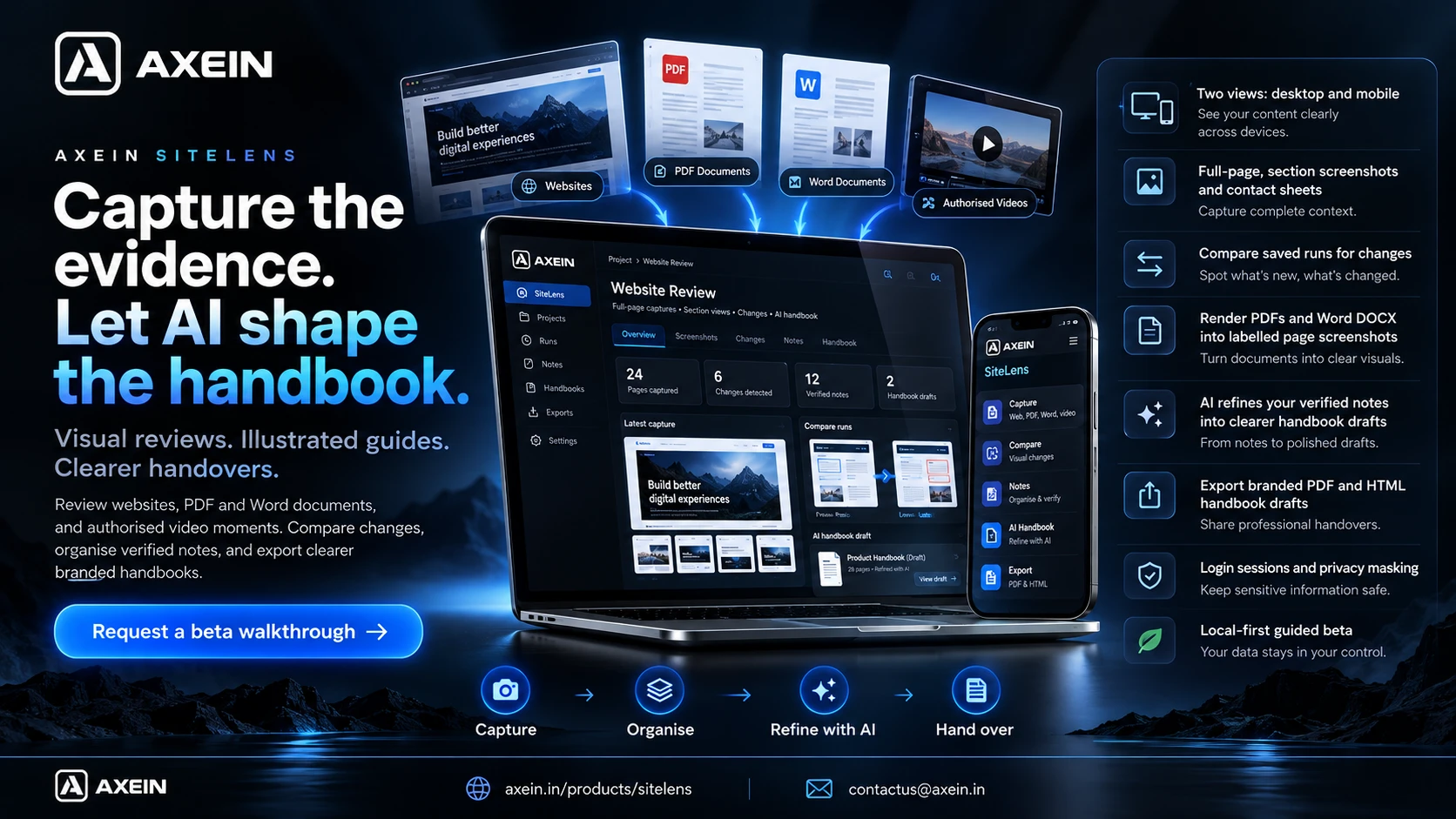
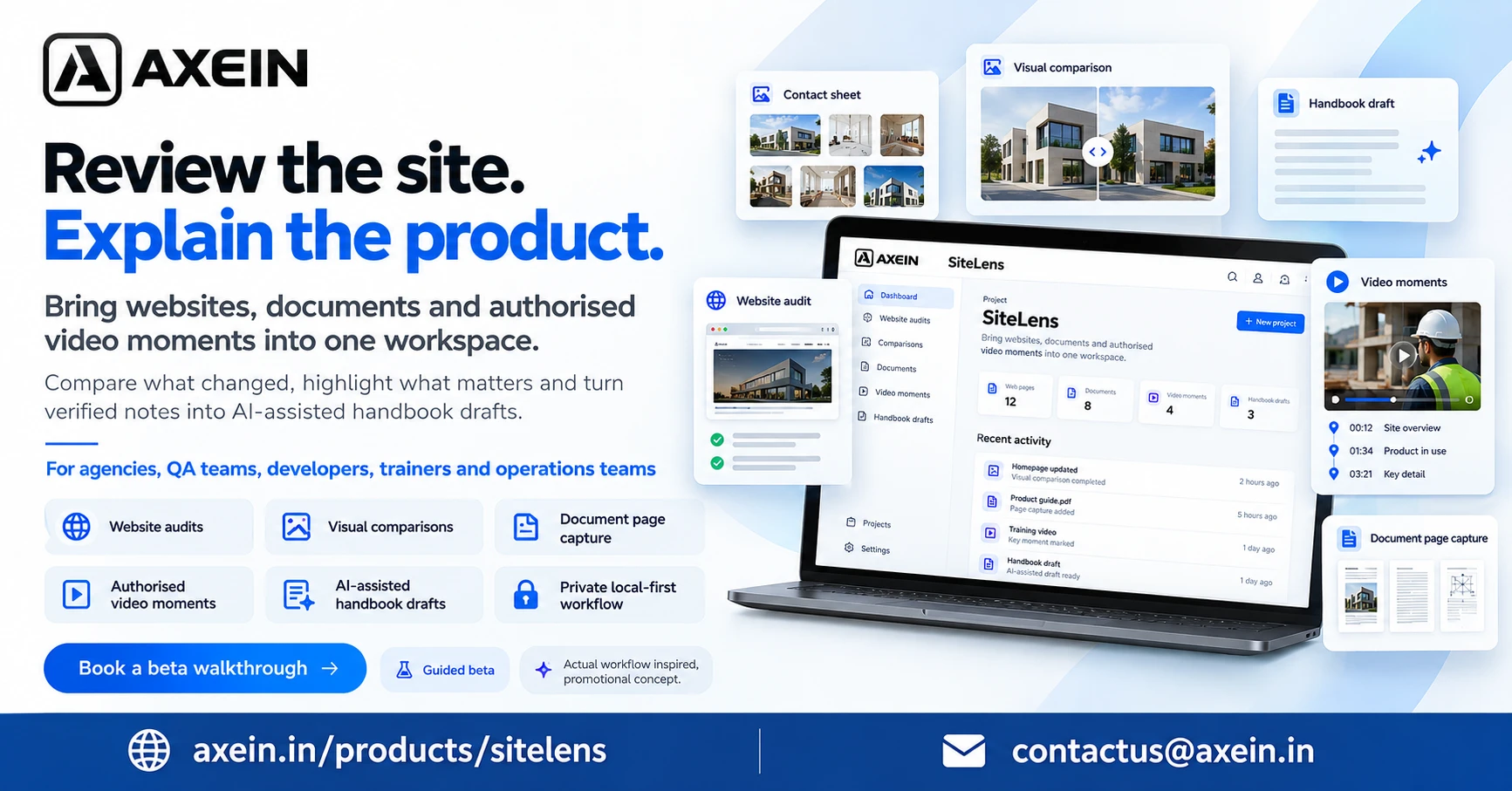
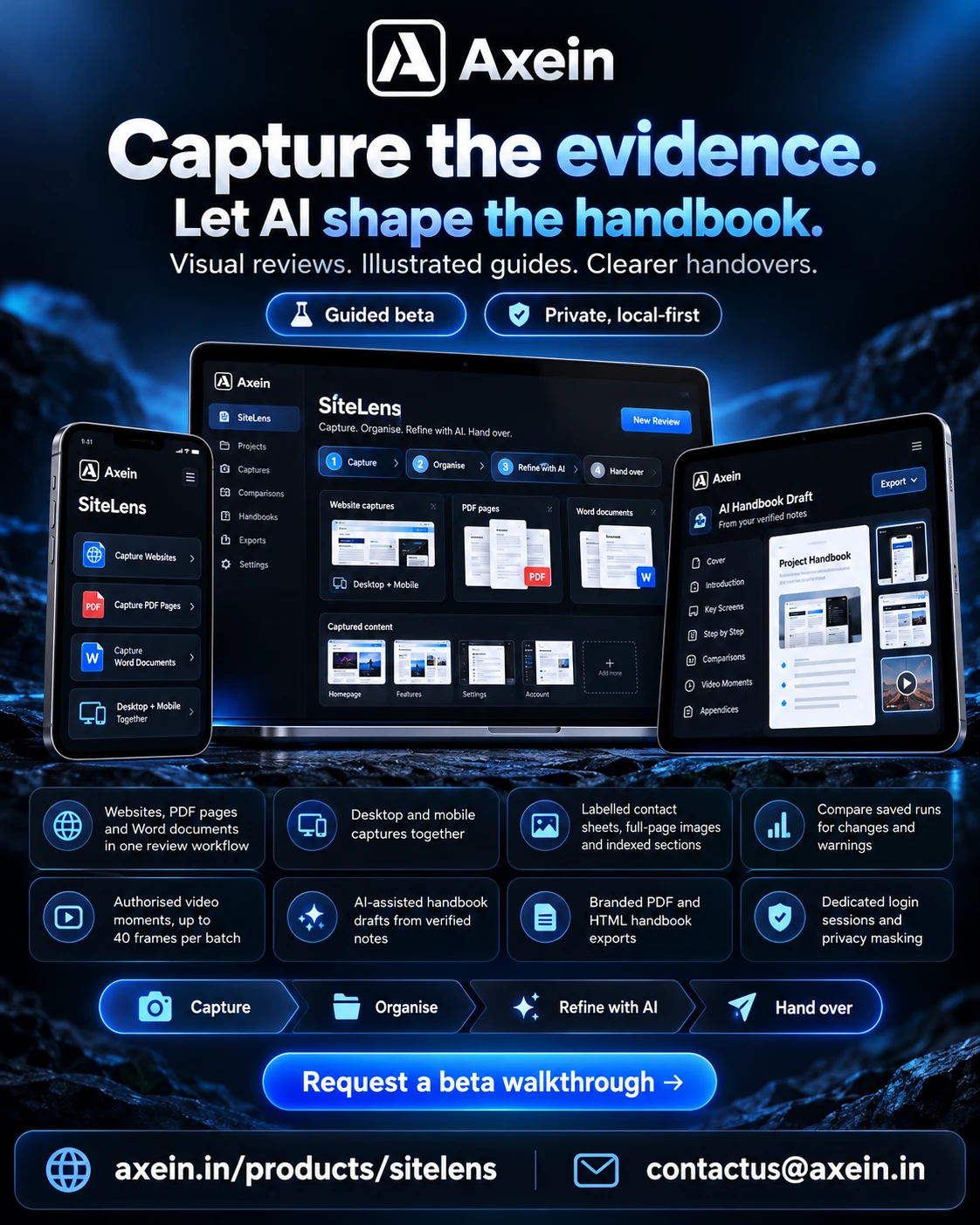
Bring websites, documents and authorised video moments into one workspace. Compare what changed, highlight what matters and turn your verified notes into AI-assisted handbook drafts for onboarding, training and client handovers.
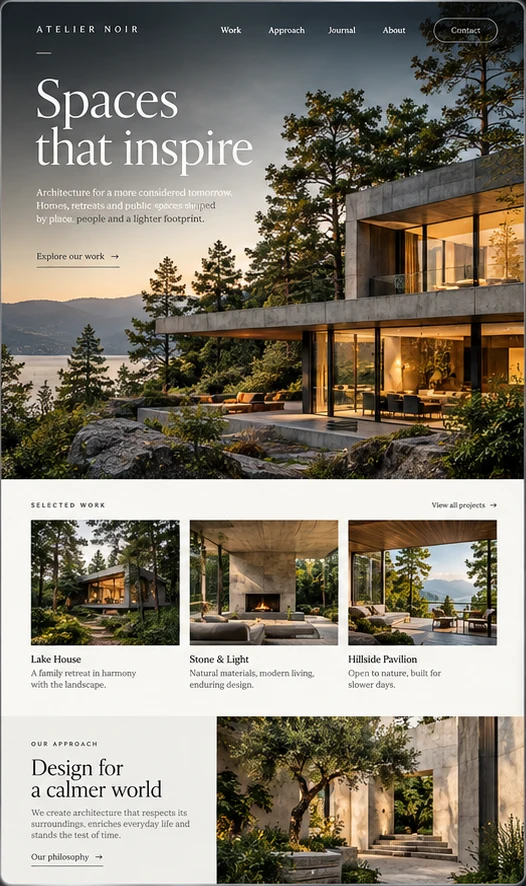
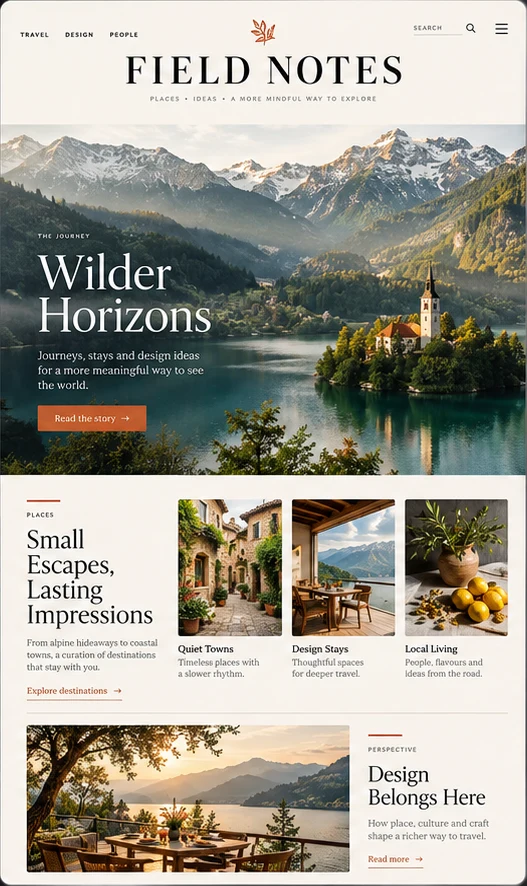
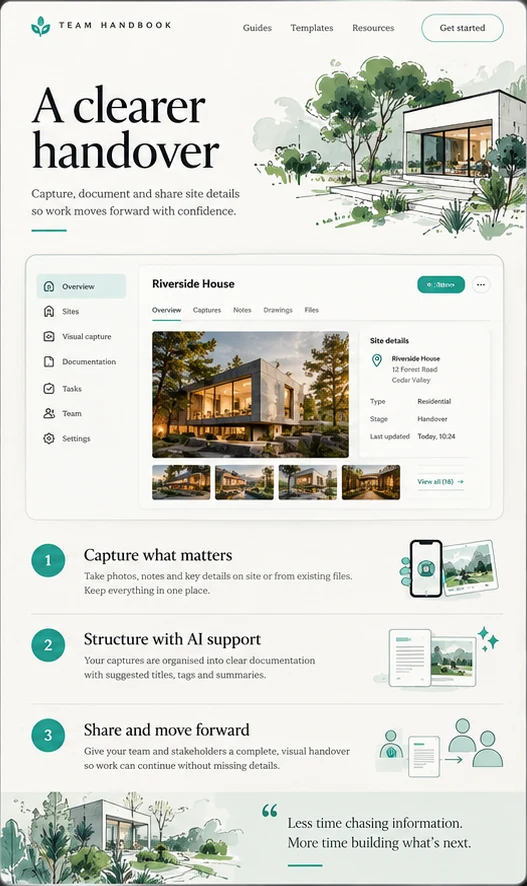
A website worth exploringCollect visual evidence for design reviews and client handovers.An editorial documentBring rich document pages into an organised visual review.A guide that makes sensePair screenshots with verified instructions for illustrated handbook drafts.
Original AI-generated concept artwork for inspiration. These are illustrative examples, not captured customer content or live SiteLens screens.
Choose authorised website pages, PDF and Word documents, or local video moments. Collect the evidence in one place.
02
Organise
Compare captures, order your chapters and add numbered highlights. Supply the instructions you have actually verified.
03
Refine with AI
Turn your notes into clearer purposes and steps. You stay in control of the facts and review the draft before sharing.
04
Hand over
Export branded PDF and HTML handbook drafts, or a portable visual audit. Check privacy and every instruction before distributing.
Private by design. Clear about scope.
Your evidence. Your expertise. AI support.
Capture and AI processing stay on your Mac. The guided beta supports up to 40 pages or frames per batch. AI helps explain your verified notes; it does not interpret screenshot pixels, identify defects or certify workflows. Mobile captures emulate a browser view rather than a physical device.
Available now, with room to grow
Website and document capture, authorised video frames, visual comparisons and AI-assisted illustrated handbook drafts.
Hundreds-page queues, resumable jobs, narration, video recording and customer cloud workspaces remain on the roadmap. Visual review is not a security scan or accessibility certification.
Before you start
The practical details.
Can I audit hundreds of pages today?
Not in one queued project yet. The beta uses catalogues of up to 40 pages per batch. Large-site pacing, recovery and resumable queues are the next milestone.
Which document formats can I capture?
Local PDF and Word .docx files under 30 MB, up to 40 selected pages per batch. Select page numbers or ranges and get PNGs, contact sheets and a review report. Legacy .doc, encrypted PDFs, macros, embedded objects and externally linked DOCX content are not supported. Word pagination depends on available fonts; review the output before sharing. This is a local renderer, not a sandbox for untrusted files.
Can I capture YouTube or other platform videos?
Use an authorised local MP4, WebM or browser-supported MOV export. A platform URL can be attached as a source reference, but SiteLens does not download platform videos or bypass permissions, logins or DRM. Choose a range and screenshot count, or exact timestamps, then crop and set portrait or landscape output.
How does AI handbook creation work?
Prepare chapters with screenshots, numbered highlights and verified steps. AI refines the wording of your notes into an editable draft, then SiteLens exports illustrated PDF and HTML guides. Processing stays on your Mac. You can also create a guide without AI. AI cannot interpret screenshot pixels or verify workflows, so review every instruction before sharing. Our guided beta includes help with local setup.
Can it capture logged-in pages?
The local companion supports a dedicated manually signed-in session and configured masking. You must have permission to capture those pages, and verify masking before sharing.
Can I buy or install it independently?
We are offering guided beta demonstrations. A standalone installer, commercial licensing and public pricing are not available yet.
Bring your real workflow
Turn evidence into understanding.
Show us what your team reviews or teaches. Explore how SiteLens can help create clearer audits, onboarding guides and AI-assisted handbooks.
 Practical software and servicesDiscuss a project